
 Apparel and workwear
 Building supplies
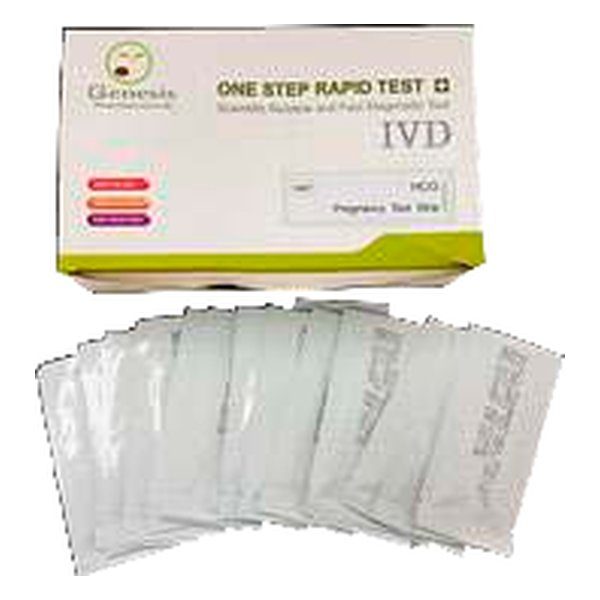 Medical supplies
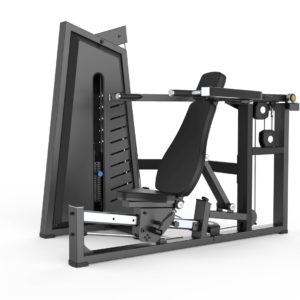 Fitness equipment
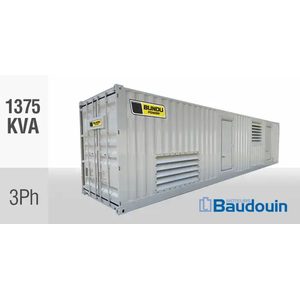 Energy and power
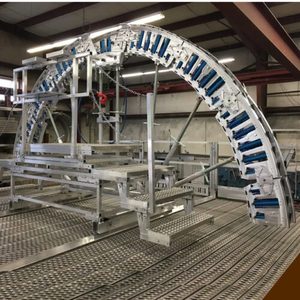 Industrial equipment
 Livestock supplies
 Mining supplies
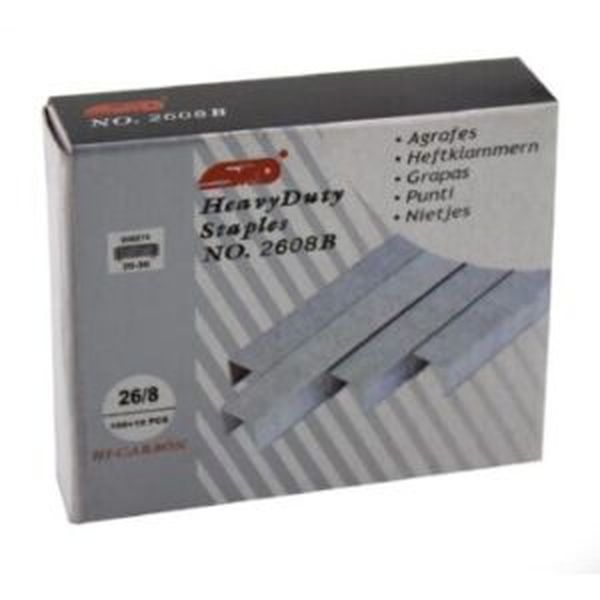 Stationery supplies
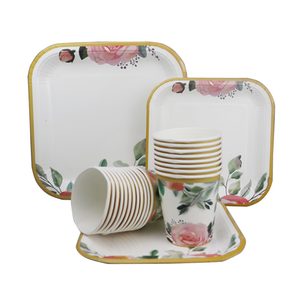 Events and catering equipment
Saved lists hold the products you reorder, so a restock takes one click.
- Open Saved lists in the dashboard.
- Make a list, for example "Monthly cleaning".
- Add products by their code or link name and set the quantities.
- Press "Put the whole list in my cart" when it is time to reorder.
Updated 16 November 2026