
 Apparel and workwear
 Building supplies
 Medical supplies
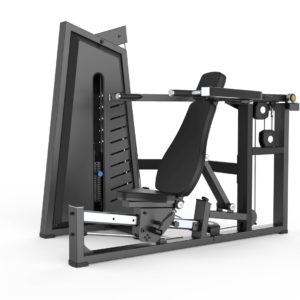 Fitness equipment
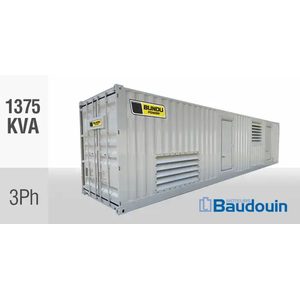 Energy and power
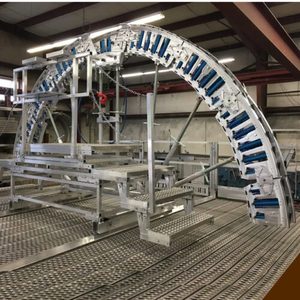 Industrial equipment
 Livestock supplies
 Mining supplies
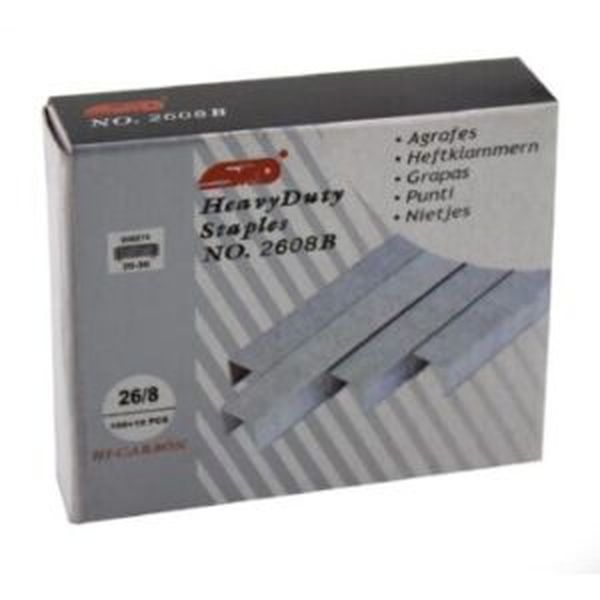 Stationery supplies
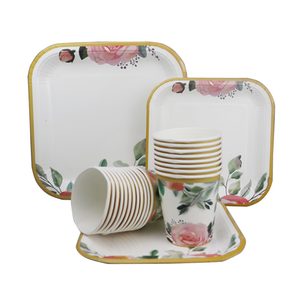 Events and catering equipment
One Musika login can hold several roles: you can buy, sell, be an agent, work as a partner and study at Musika School from the same account.
- Open My roles in the dashboard menu.
- Under Add a role, choose the role you want and fill in its short form.
- Supplier, agent and partner roles are checked by the Musika team before they go live; buyer and learner roles start at once.
- Switch between roles with "Using Musika as" at the bottom of the dashboard menu. The menu changes to match the role.
Updated 16 November 2026